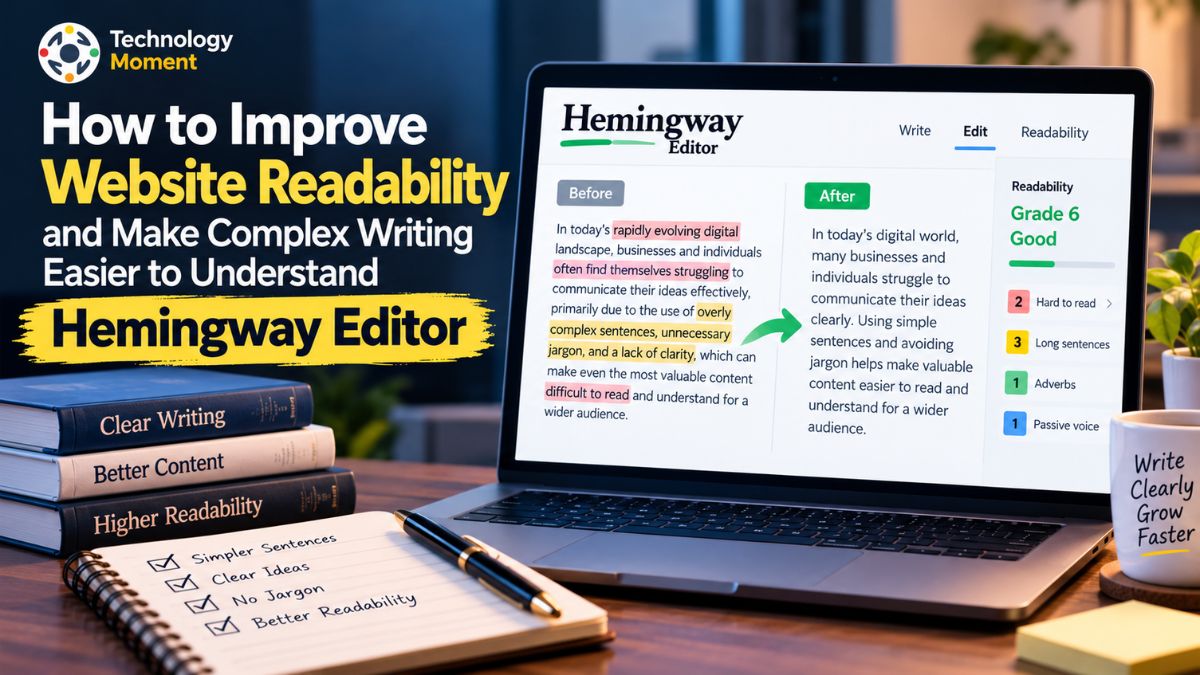
Website content does more than share information. It helps readers understand an idea, follow the message, and decide what to do next. Yet articles can lose readers when sentences become too long, wording feels complicated, or passive voice hides the point. Clear writing is not about making every sentence short; it is about making sentences easy to follow.
That is where Hemingway Editor can help. This writing and readability tool reviews your text and highlights areas that need attention, including hard-to-read sentences, passive voice, adverbs, and words with simpler alternatives. Its readability grade gives you a way to judge how accessible your writing may be. These signals can help you spot patterns you might miss while editing, then revise without losing meaning or your voice.
For bloggers, website owners, marketers, and publishers, readability matters because visitors need to understand the content—not work through it. Clearer paragraphs can make instructions easier to follow, explain topics, and create a better reading experience. Still, no score or automated suggestion can replace human judgment. Some longer sentences are useful, and passive voice is appropriate in contexts. The goal is to make deliberate choices, not follow every highlight blindly.
At Technology Moment, we explore digital tools and explain how they can support your work. In this guide, we’ll look at how Hemingway Editor works, what its readability indicators mean, and how to use them to simplify writing, improve sentence clarity, and communicate with confidence. You’ll also see where the tool helps—and where editorial judgment matters most.
What Is Hemingway Editor and How Does It Work?
Hemingway Editor is an online writing editor designed to make text clearer, more direct, and easier to understand. It works as a readability checker rather than a tool that creates an article from the beginning. When you paste a draft into the editor, it reviews the sentences and highlights areas that may make the message difficult to follow. These include long or complex sentences, passive voice, unnecessary adverbs, and words that may have simpler alternatives. It also provides a readability grade, helping writers judge how accessible their text may be to a general audience.
The idea behind Hemingway Editor is simple: readers should focus on the message, not struggle with the wording. A sentence can be grammatically correct yet difficult to understand if it contains too many ideas, unfamiliar terms, or unnecessary phrases. The tool draws attention to these patterns so writers can decide what needs editing. Its colour-coded feedback is easy to scan, especially when reviewing long blog posts, website pages, or business content.
Hemingway Editor can help bloggers, students, marketers, editors, and website owners improve writing clarity. It does not replace subject knowledge or an understanding of the target audience. Instead, it acts as a second set of eyes, pointing out places where readers might pause or reread. Writers can accept a suggestion, revise a sentence themselves, or leave it unchanged when the original wording works well.
Overall, Hemingway Editor helps turn complicated writing into clearer communication. It makes potential readability issues visible and supports a more thoughtful editing process before content is published.
Key Hemingway Editor Features That Improve Readability
Hemingway Editor includes several features that help writers identify common readability problems. One of its main functions is the readability score, which estimates the reading grade level of a piece of text. This can help writers judge whether an article may be too dense for its intended audience. The score is a guide, not a quality rating: a lower grade level does not automatically mean that content is better, more accurate, or suitable for every reader.
The editor also highlights hard-to-read and very hard-to-read sentences. Yellow highlights point to sentences that may need attention, while red highlights identify sentences that are especially difficult to follow. Writers can review these lines and decide whether to shorten them, split them into smaller thoughts, or replace complicated wording. This is useful when editing website content, where visitors often scan rather than read every line closely.
Another feature identifies passive voice and adverbs, which can sometimes make sentences less direct. The editor also marks words or phrases that may have simpler alternatives. These suggestions can help writers choose clearer language, but they should not be applied automatically. Passive voice can be appropriate when the action matters more than the person performing it, and adverbs sometimes add useful meaning.
Together, these features make Hemingway Editor a practical writing clarity tool. It helps users review sentence structure, word choice, and text readability in one place. By considering each highlight in context, writers can improve clarity while keeping their own tone, meaning, and style.
How to Use Hemingway Editor to Improve Website Readability
Using Hemingway Editor to improve website readability is straightforward. Start by opening the online editor and pasting your draft into the writing area. You can work with a blog post, landing page, product description, help article, or other website content. You can also write directly in the editor. Once your text is in place, switch to editing view if needed to see the readability feedback and highlighted issues.
Begin by checking the readability grade and document statistics. These provide an overview of the text, including its approximate reading level and counts such as words and sentences. Next, scan the highlighted passages. Review red and yellow sentences first because they may contain several ideas or a structure that is difficult to follow. Read each sentence aloud and ask whether a visitor could understand it on the first read. If not, separate the ideas or use more familiar wording.
Then review passive voice, adverbs, and suggested simpler words. Consider whether an active construction would make the subject and action clearer. Remove words that add length without meaning, but keep details that help readers understand the topic. Hemingway Editor Plus also offers AI rewriting and simplification suggestions; review them carefully before accepting them.
Finally, read the complete page again without focusing only on the highlights. Check that the message flows naturally, headings match the content, and important information remains. A readability checker can identify possible problems, but the writer makes the final decisions. This process helps make website content more readable without making it sound mechanical or oversimplified.
How to Simplify Complex Sentences and Improve Writing Clarity
Simplifying complex sentences does not mean removing every long sentence. The goal is to help readers understand each idea without unnecessary effort. Start by checking whether a sentence tries to explain several things at once. If it does, divide it into two sentences and give each one a clear purpose. This makes sentence structure easier to follow, particularly in introductions, instructions, and technical explanations. Hemingway Editor can help locate sentences that may benefit from revision.
Next, look for wordy phrases. “In order to” can often become “to,” while “at this point in time” may simply become “now.” Small changes reduce clutter while preserving meaning. Choose familiar words when they communicate the idea accurately, but do not remove specialist terms readers need. When a technical term is essential, explain it briefly the first time it appears.
You can improve writing clarity by choosing active voice when it makes responsibility or action easier to identify. For example, “The team published the report” is more direct than “The report was published by the team.” However, passive voice is not always wrong; it can be useful when the person responsible is unknown or unimportant. The same applies to adverbs: remove those that repeat information, but keep them when they add a meaningful distinction.
Make sure the sentences connect logically, and the tone suits your audience. Clear and concise writing should feel natural, not abrupt. By combining purposeful sentence structure, precise vocabulary, and careful editing, writers can make complex information easier to understand while keeping its depth and accuracy.
What Is a Good Readability Score for Website Content?
A good readability score for website content depends on who you are writing for and how much knowledge your readers already have about the topic. In general, clear and accessible writing works well for a broad online audience because visitors can understand the message without spending extra time decoding complicated sentences. Hemingway Editor uses a grade-level system to estimate the reading difficulty of your text. A lower grade level generally indicates that the writing is easier to understand, while a higher grade level suggests more complex vocabulary or sentence structures.
For general website articles, blog posts, and informational content, aiming for approximately Grade 7–9 can be a useful starting point. Hemingway Editor uses Grade 9 as its default target for average adult readers in the United States. However, this is not a universal rule. If your website serves younger readers or people learning English, a lower reading level may make your content more accessible. On the other hand, academic articles, professional reports, and technical documentation may naturally require more advanced language.
Understanding the readability grade level is important, but writers should not focus entirely on achieving a particular number. A readability score cannot measure factual accuracy, expertise, originality, or how useful an article is to its audience. A short sentence can still be confusing, while a longer sentence can communicate a complicated idea effectively. Therefore, use a readability checker to identify possible problems rather than treating its score as a final judgment.
Hemingway Editor also highlights difficult sentences, helping you identify specific areas that may need revision. You can shorten unnecessary phrases, replace complicated words, and improve sentence structure while keeping the original meaning. For website owners and content creators, the best approach is to combine readability analysis with human editing. The objective is not simply to achieve a lower grade level but to create content that readers can understand, trust, and use confidently.
How Hemingway Editor Helps Bloggers and Website Content Writers
Creating useful website content requires more than choosing the right keywords and writing a detailed article. Writers must also communicate information in a way that readers can understand easily. Hemingway Editor supports this process by identifying sentence complexity, passive voice, unnecessary adverbs, and difficult vocabulary. These features make it a practical writing improvement tool for bloggers, freelance writers, website owners, and digital marketers who want to improve content readability before publishing.
For bloggers, one of the biggest advantages is the ability to review long articles and identify paragraphs that may be difficult to follow. When a blog post contains lengthy sentences or too many ideas in one paragraph, readers may struggle to understand the main message. Hemingway Editor highlights these areas so writers can simplify their sentences and improve the overall flow. This is especially helpful when creating tutorials, educational articles, product reviews, and informational blog posts.
Website content writers can also use Hemingway Editor to improve landing pages, service descriptions, product information, and business communication. Visitors usually want to understand what a website offers without reading unnecessary explanations. By replacing wordy phrases with direct language and choosing familiar words where appropriate, writers can make important information easier to find and understand. This can contribute to a better reading experience and clearer communication with potential customers.
Another useful application is editing content for international audiences. Readers from different countries may have different levels of English proficiency. Using simple vocabulary, clear sentence structures, and well-organized paragraphs can make website content more accessible to a wider audience. Hemingway Editor helps identify potential language barriers, although writers should still consider cultural context and the needs of their readers.
It is important to understand that readability tools do not automatically improve search rankings or guarantee higher engagement. Hemingway Editor is best used as part of a broader content editing process that includes keyword research, accurate information, helpful examples, and audience-focused writing. When combined with human judgment, it can help bloggers and website content writers produce clearer, more useful, and reader-friendly articles.
Hemingway Editor Free vs. Hemingway Editor Plus
Hemingway Editor offers a free editing experience and an optional paid subscription called Hemingway Editor Plus. Both options are designed to help writers improve readability, but they serve different editing needs. The free version is useful for checking writing clarity, identifying difficult sentences, and reviewing common style problems. Hemingway Editor Plus adds AI-powered editing assistance and advanced grammar features for users who want more support during the revision process.
The free Hemingway Editor is a practical starting point for bloggers, students, freelance writers, and website owners who want to improve their writing without paying for a subscription. It highlights hard-to-read sentences, very difficult sentences, passive voice, adverbs, and words that may have simpler alternatives. It also provides a readability grade level and basic document statistics. These features help writers identify problems and make manual corrections without relying on AI rewriting.
Hemingway Editor Plus is designed for people who want to make the editing process faster. In addition to the standard readability features, it includes AI sentence rewriting, advanced grammar checking, AI synonym suggestions, and tools for adjusting writing tone, length, and style. Writers can use these features to simplify complicated sentences, remove wordy expressions, correct grammar issues, and revise selected passages. It also provides document review and feedback, file import and export, and the ability to set a target reading level. AI sentence rewriting uses monthly sentence credits, while advanced grammar fixes are included without the same sentence-credit limit.
The following comparison highlights the main differences:
| Feature | Free Hemingway Editor | Hemingway Editor Plus |
|---|---|---|
| Readability score | Yes | Yes |
| Grade-level analysis | Yes | Yes |
| Difficult sentence highlights | Yes | Yes |
| Passive voice detection | Yes | Yes |
| Adverb detection | Yes | Yes |
| Simpler word suggestions | Yes | Yes |
| AI sentence rewriting | Not included | Included |
| Advanced grammar checker | Not included | Included |
| AI tone and style adjustments | Not included | Included |
| AI synonym suggestions | Not included | Included |
| Target reading level settings | Not included | Included |
| Document review and feedback | Basic analysis | Advanced features |
| File import and export | Limited | Included |
Hemingway Editor Plus pricing: According to the official pricing information, the Individual 5K plan costs $8.33 per month when billed annually at $100 per year. The Individual 10K plan costs $12.50 per month when billed annually at $150 per year. Monthly billing is also available at a higher rate. The plans differ mainly in their monthly AI sentence allowances. A two-week free trial is also advertised, subject to the official terms.
Which version should you choose? If you mainly need a free readability checker to identify difficult sentences and improve website content manually, the free version may be sufficient. If you regularly publish articles, edit large amounts of content, or want AI assistance with grammar and sentence rewriting, Hemingway Editor Plus may offer additional convenience. The right choice depends on your writing frequency, editing requirements, and budget.
Hemingway Editor vs. Grammarly vs. ProWritingAid
Hemingway Editor, Grammarly, and ProWritingAid are popular writing improvement tools, but each serves a different purpose. Choosing the right one depends on whether you want to improve readability, correct grammar, or analyze your writing in greater depth. Although all three can support the editing process, they approach sentence clarity, language accuracy, and content improvement differently.
It highlights hard-to-read sentences, passive voice, unnecessary adverbs, and words that may have simpler alternatives. Its readability grade helps writers identify passages that could be difficult for their audience. This makes it particularly useful for bloggers, website owners, and content writers who want to simplify complex writing. The free online version provides useful readability analysis, while Hemingway Editor Plus adds AI rewriting and advanced grammar assistance.
It can help users identify language mistakes and improve sentence construction in everyday communication. It is useful for emails, professional documents, academic writing, and website content. Writers who frequently need grammar corrections and writing suggestions may find its broader editing approach helpful.
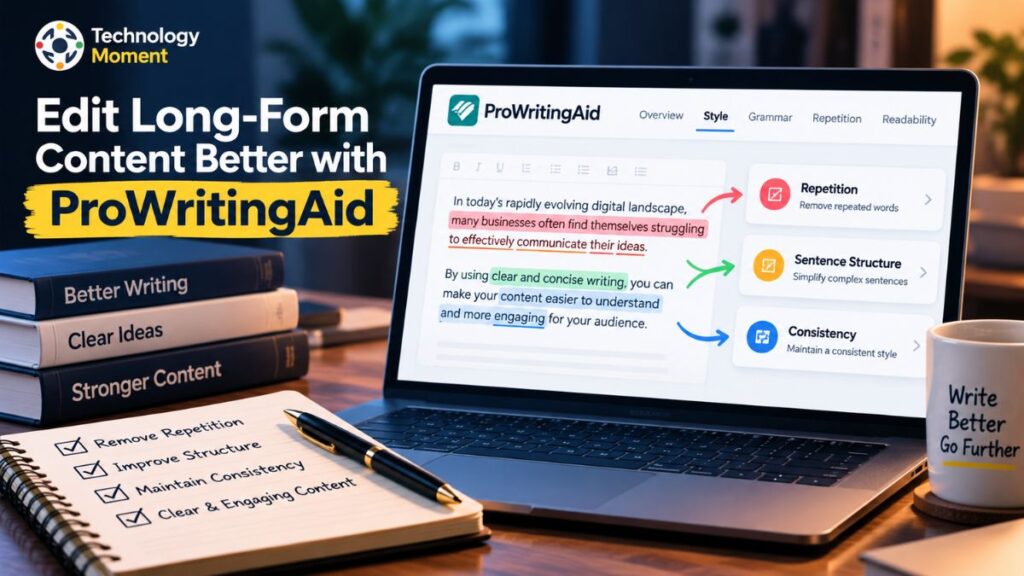
ProWritingAid provides more detailed writing analysis, making it particularly useful for authors and long-form writers. Its reports help users examine repeated words, sentence structure, readability, style, and other aspects of their manuscripts. This makes it a useful option for people working on books, detailed articles, and creative writing projects.
| Features | Hemingway Editor | Grammarly | ProWritingAid |
|---|---|---|---|
| Main purpose | Readability and clarity | Grammar and writing assistance | Detailed writing analysis |
| Grammar checking | Advanced features in Plus | Strong grammar focus | Advanced grammar support |
| Readability score | Yes | Limited readability analysis | Yes |
| Passive voice detection | Yes | Yes | Yes |
| Difficult sentence detection | Yes | Clarity suggestions | Style and readability reports |
| Adverb detection | Yes | Writing suggestions | Style reports |
| Vocabulary suggestions | Simpler word alternatives | Vocabulary suggestions | Word choice suggestions |
| AI rewriting | Plus | Available in paid plans | Available in paid plans |
| Long-form writing analysis | Basic | General editing | Detailed reports |
| Best suited for | Bloggers and website writers | Everyday and professional writing | Authors and long-form writers |
Choose Hemingway Editor if your main goal is to improve website readability, simplify complex sentences, and communicate ideas clearly. Grammarly is a suitable choice when grammar, spelling, and everyday writing corrections are your priorities. ProWritingAid is worth considering if you need detailed reports to improve long-form manuscripts and writing style. You do not necessarily need to use only one tool. Combining a grammar checker with a readability tool can provide a more complete editing workflow.
Does Hemingway Editor Improve SEO and Website Readability?
Hemingway Editor can support better website readability by helping writers identify sentences and expressions that may be difficult for visitors to understand. When website content contains unnecessary words, complicated sentence structures, or excessive passive voice, readers may need additional effort to understand the message. Hemingway Editor highlights these potential problems and encourages writers to make their language more direct. This can contribute to a clearer reading experience, particularly for blog posts, tutorials, informational pages, and business content.
Website readability is an important part of creating useful content. Visitors often scan headings, paragraphs, and important information before deciding whether to continue reading. Clear sentences and well-organized paragraphs make it easier to follow an explanation. Hemingway Editor can help writers review these elements by providing a readability score and highlighting difficult sentences. However, readability is only one part of an effective website content strategy.
It is important to understand that Hemingway Editor does not directly guarantee higher Google rankings. A lower readability grade does not automatically improve SEO, and there is no reason to rewrite every sentence simply to achieve a particular score. Google’s guidance focuses on helpful, reliable, people-first content that satisfies readers’ needs. This means accuracy, originality, usefulness, and a good overall page experience matter alongside clear writing.
You can use Hemingway Editor as one part of your content optimization process. Start by researching relevant keywords and understanding search intent. Write a useful article that answers the reader’s questions, then use Hemingway Editor to identify difficult sentences and unnecessary wording. After editing, review your headings, internal links, factual information, and keyword placement. Make sure the article remains natural rather than repeating keywords unnecessarily.
For example, a technical article about artificial intelligence may contain complicated explanations. Hemingway Editor can help simplify those explanations without removing essential technical details. The result can be more accessible content for readers with different levels of knowledge. Ultimately, Hemingway Editor is a writing clarity tool, not a complete SEO platform. It works best when combined with keyword research, helpful information, thoughtful editing, and a clear understanding of your target audience.
Frequently Asked Questions About Hemingway Editor
What Is Hemingway Editor?
Hemingway Editor is a writing and readability tool that helps make text clearer and easier to understand. It highlights difficult sentences, passive voice, unnecessary adverbs, and complicated wording. It also provides a readability grade level so writers can evaluate their content. Bloggers, students, marketers, and website owners can use it to improve sentence clarity and create more accessible writing.
Is Hemingway Editor Free?
Yes, Hemingway Editor offers a free online editing experience. Users can paste their writing into the editor and check readability, difficult sentences, passive voice, and other writing issues. Hemingway Editor Plus is a paid subscription that adds AI sentence rewriting, advanced grammar checking, and additional editing features. The free version is suitable for writers who prefer making corrections manually.
Does Hemingway Editor Check Passive Voice?
Yes, Hemingway Editor identifies passive voice and highlights it in your writing. This helps writers find sentences where the action or responsibility may not be immediately clear. You can review these suggestions and replace passive constructions with active voice when appropriate. However, passive voice is not always incorrect, so consider the context before changing a sentence.
Does Hemingway Editor Improve SEO?
Hemingway Editor can support SEO content creation by helping writers improve readability and sentence clarity. However, it does not directly guarantee better Google rankings. Search performance also depends on content usefulness, search intent, relevance, accuracy, and other SEO factors. Use it to improve the reader experience rather than treating its readability score as an SEO ranking target.
Is Hemingway Editor Better Than Grammarly?
Neither tool is universally better because they focus on different writing needs. Hemingway Editor specializes in readability, difficult sentences, and writing clarity, while Grammarly focuses more broadly on grammar, spelling, punctuation, and writing suggestions. Choose Hemingway Editor when simplifying website content is your priority. Choose Grammarly when you need broader grammar and language assistance for everyday writing.