Artificial intelligence is no longer something only large technology companies can afford to experiment with. Today, small businesses can use AI to handle repetitive work, improve customer experiences, support marketing, analyze information, and give employees more time to focus on tasks that require human judgment. The challenge is knowing where AI can actually make a meaningful difference.
For a small business owner, simply adding more AI tools is rarely the answer. The real opportunity is to identify everyday tasks that consume time, create unnecessary manual work, or slow down decision-making—and then find practical ways to improve those processes with AI.
That is where Technology Moment aims to help. Instead of focusing only on the latest AI trends, Technology Moment explores how emerging technology can solve real-world problems through clear, practical, and trustworthy guidance. Whether you are running a small online business, professional service, startup, or growing company, understanding useful AI applications can help you make better technology decisions without getting overwhelmed by the rapidly changing AI landscape.
In this guide, we will explore practical AI use cases for small businesses, covering areas such as marketing, customer service, sales, operations, finance, productivity, content creation, data analysis, and workflow automation. You will also learn how to evaluate AI tools, identify the right tasks to automate, and introduce AI into your business without trying to change everything at once.
The goal is simple: help you move beyond the hype and understand how AI can create measurable value for a small business.
Where AI Can Create the Most Value for Small Businesses
Artificial intelligence can help a small business handle many tasks that traditionally require significant amounts of manual time. From answering routine customer questions to analyzing business data, AI can act as a practical support layer across different parts of an organization. The most useful applications are usually not about replacing people; they are about helping employees work faster, reduce repetitive effort, and make better-informed decisions.
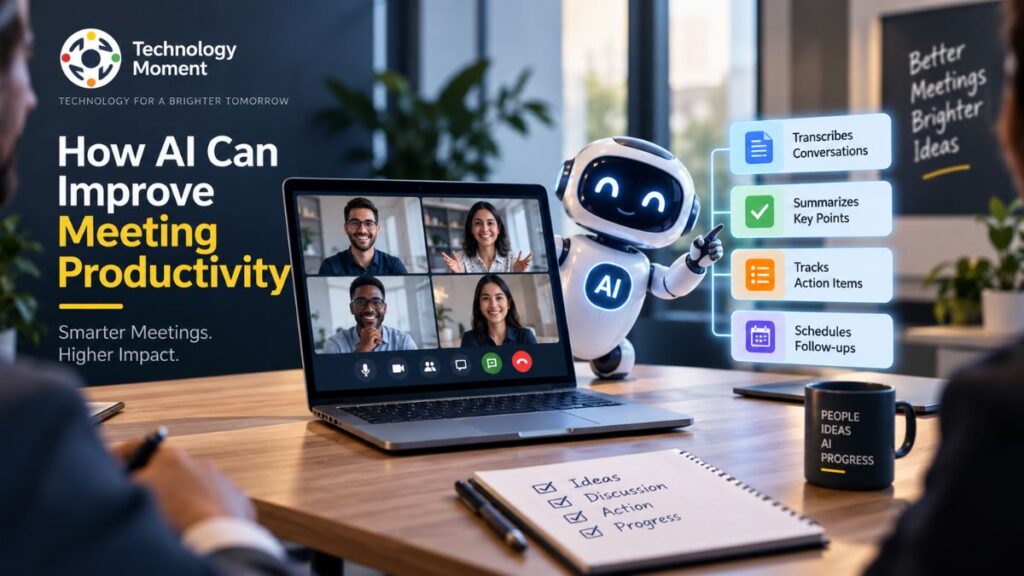
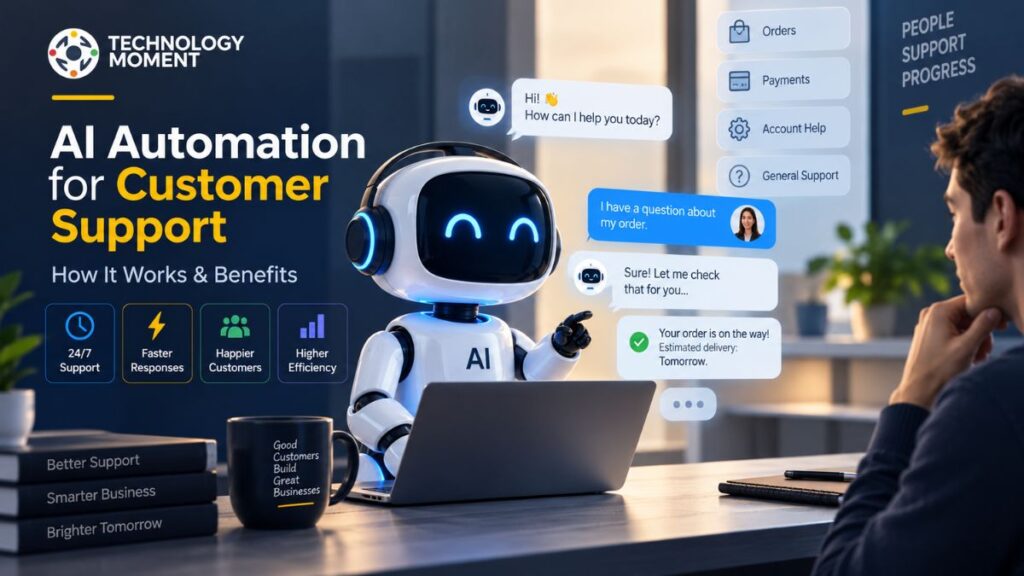
For example, AI assistants can summarize meetings, draft emails, organize information, and support research. AI tools can also help businesses create marketing content, analyze customer feedback, identify sales opportunities, and automate repetitive workflows. In customer service, AI chatbots can answer common questions and direct more complex issues to a human team member.
Instead of manually reviewing large spreadsheets or reports, business owners can use AI-powered software to identify patterns, summarize results, and highlight information that deserves attention. The broader goal of AI adoption should therefore be useful business improvement, not simply using AI because it is popular. When implemented thoughtfully, artificial intelligence can improve employee productivity, operational efficiency, customer experiences, and business decision-making while helping small businesses compete more effectively.
AI Applications That Can Help Small Businesses
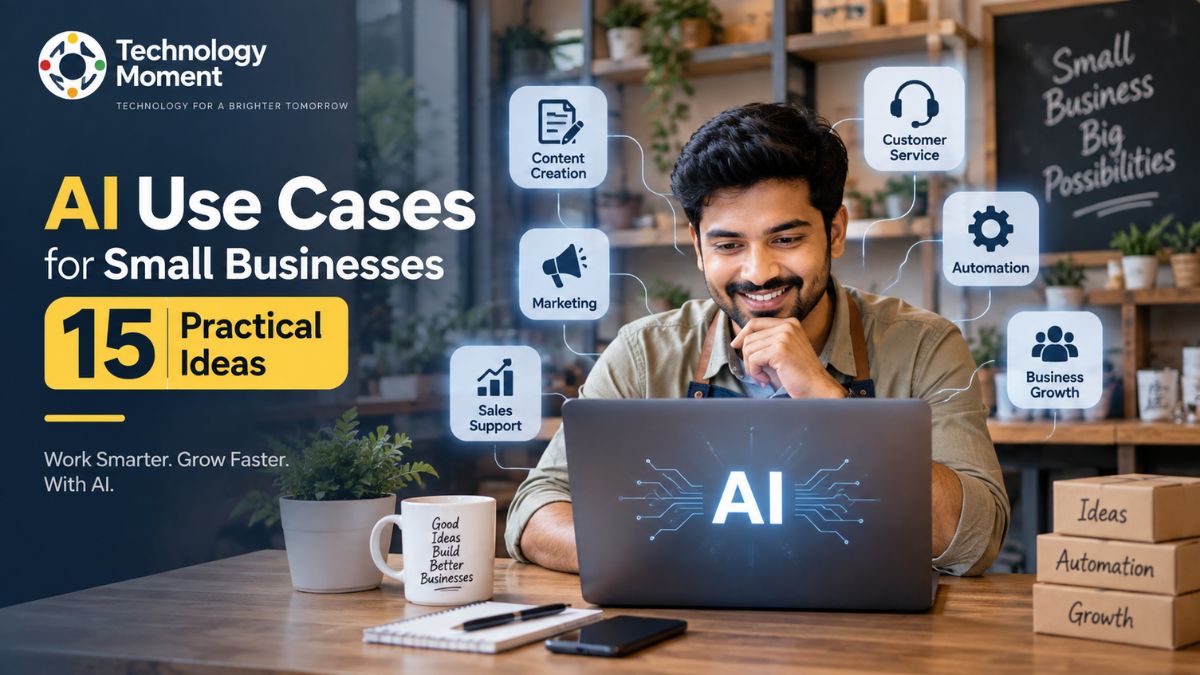
Small businesses can apply AI across marketing, customer service, sales, operations, finance, productivity, and decision-making. The following examples focus on practical ways AI can solve everyday business problems and create measurable value.
| AI Use Case | What AI Can Do | Example AI Tools | Business Benefit |
|---|---|---|---|
| 1. Marketing | Generate content ideas, campaigns, emails, and social posts. | ChatGPT, Jasper, HubSpot AI | Faster marketing execution and content production |
| 2. Customer Service | Answer common questions and provide automated customer support. | Intercom Fin, Zendesk AI, Tidio | Faster responses and reduced support workload |
| 3. Sales | Research prospects, qualify leads, and personalize follow-ups. | HubSpot AI, Salesforce Einstein, Apollo AI | Better lead management and sales productivity |
| 4. Operations | Automate repetitive processes and connect business workflows. | Zapier, Make, Microsoft Power Automate | Less manual work and improved efficiency |
| 5. Productivity | Summarize meetings, organize tasks, and assist with everyday work. | ChatGPT, Notion AI, Microsoft Copilot | More productive employees and less administrative work |
| 6. Finance | Process invoices, categorize expenses, and assist with financial analysis. | QuickBooks, Xero, Ramp | Faster financial processes and better visibility |
| 7. Data Analysis | Analyze datasets, identify patterns, and summarize business reports. | ChatGPT, Microsoft Copilot, Tableau | Faster insights and better decision support |
| 8. Content Creation | Create drafts for articles, product descriptions, emails, and marketing copy. | ChatGPT, Claude, Grammarly | Faster content production and editing |
| 9. Email Management | Draft replies, summarize messages, and prioritize important emails. | Gmail Gemini, Outlook Copilot, Shortwave | Less time spent managing email |
| 10. Personalization | Analyze customer behavior and create more relevant communications. | HubSpot AI, Klaviyo AI, Salesforce Einstein | Better customer engagement and experiences |
| 11. HR | Assist with job descriptions, onboarding materials, and internal documents. | Workable, BambooHR, ChatGPT | Faster HR administration and hiring workflows |
| 12. Document Automation | Extract information, summarize documents, and process repetitive paperwork. | Microsoft Copilot, DocuSign AI, Rossum | Reduced paperwork and faster document processing |
| 13. AI Assistants | Support research, writing, planning, analysis, and everyday business tasks. | ChatGPT, Claude, Google Gemini | Flexible support across multiple business functions |
| 14. AI Agents | Perform multi-step tasks and coordinate actions across connected systems. | Microsoft Copilot Studio, Salesforce Agentforce, Zapier Agents | Greater workflow automation and scalability |
| 15. Business Strategy | Support market research, forecasting, competitor analysis, and planning. | ChatGPT, Claude, Microsoft Copilot | Faster research and more informed decisions |
How Small Businesses Can Use AI to Save Time and Reduce Costs
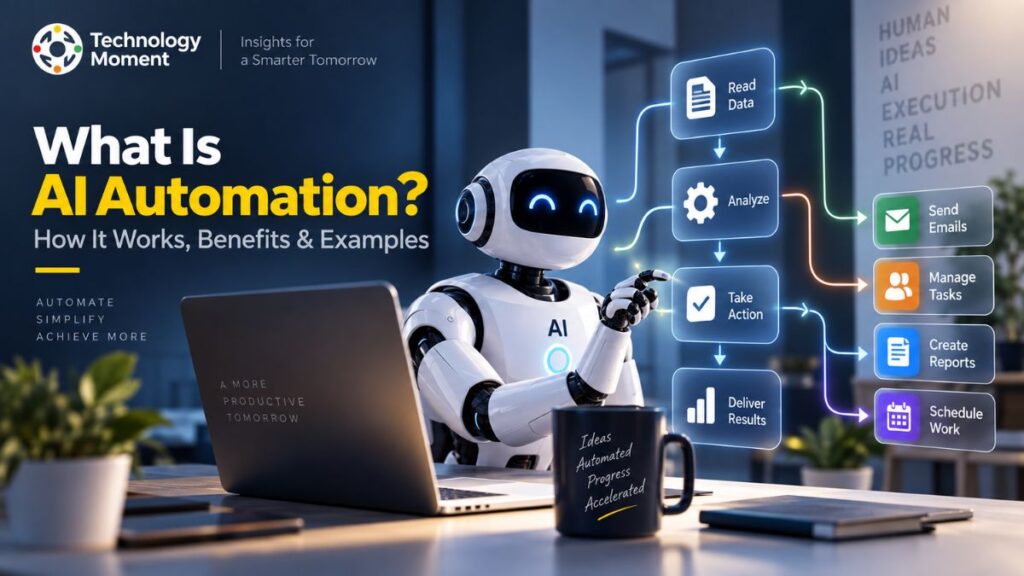
One of the strongest reasons to adopt AI is its ability to reduce repetitive work. Small businesses often operate with limited teams, meaning employees may spend valuable hours answering similar emails, entering information, preparing reports, scheduling tasks, or processing documents. AI automation can help reduce this workload when the process is clearly defined.
A practical approach is to start by listing recurring tasks and estimating how much time each one consumes. Tasks that happen frequently and follow predictable patterns are often good candidates for automation. For example, a business could use AI to summarize meetings, categorize customer inquiries, draft routine emails, process invoices, or prepare recurring reports.
AI can also reduce costs indirectly by improving employee productivity. When employees spend less time on administrative work, they can focus more on customer relationships, product development, sales, and other activities that require human judgment.
However, automation should not be treated as an automatic cost-cutting exercise. Poorly designed workflows can create errors or require additional oversight. Businesses should therefore measure results using practical indicators such as hours saved, processing time, error rates, customer response time, and operating costs. The best AI strategy is usually to automate one high-value workflow, measure its impact, improve it, and then expand gradually.
Best AI Tools for Small Businesses
Choosing AI tools should begin with the business problem rather than the technology itself. There are thousands of AI products available, but a small business does not need dozens of disconnected applications. The better approach is to identify a specific workflow and select a tool that fits the company’s existing processes.
| Business Need | AI Tool Category | Common Applications |
|---|---|---|
| Writing & Content | AI writing tools | Articles, emails, product descriptions, editing |
| Customer Service | AI chatbots | FAQs, support responses, customer assistance |
| Meetings | AI meeting assistants | Transcription, summaries, action items |
| Marketing | AI marketing tools | Campaigns, content ideas, audience analysis |
| Sales | AI sales tools | Lead research, qualification, outreach |
| Data | AI analytics tools | Reports, trends, forecasting, insights |
| Automation | AI automation platforms | Connecting apps and repetitive workflows |
| Research | AI research assistants | Information gathering and summarization |
| Productivity | AI productivity tools | Planning, organization, task assistance |
When evaluating AI tools for small businesses, consider ease of use, pricing, integrations, reliability, security, data privacy, scalability, and potential return on investment. An affordable tool is not necessarily the best option if it creates additional manual work or cannot integrate with the systems your business already uses.
It is also worth considering whether a tool supports future growth. A solution that works for a five-person company may need different capabilities as the organization expands.
Ultimately, the best AI tools for business owners are those that solve a genuine problem, fit naturally into existing workflows, and deliver measurable value rather than simply adding another subscription to the technology stack.
How to Implement AI in a Small Business
Implementing AI in a small business does not require a complete technology overhaul. A better approach is to start small, solve one real problem, and expand after seeing measurable results. This makes AI adoption easier to manage and reduces unnecessary costs and complexity. Begin by identifying repetitive tasks that take significant employee time. These might include email management, document processing, customer inquiries, data entry, reporting, or content creation. Next, choose one workflow where AI can provide a clear benefit without introducing unnecessary risk.
Once you have selected a use case, compare suitable AI tools for small businesses based on functionality, pricing, integrations, security, and ease of use. Test the chosen solution with a limited workflow before deploying it across the organization. The next step is to establish a simple measurement system. Track metrics such as time saved, processing speed, error rates, customer response times, or operating costs. These results will show whether the AI implementation is actually delivering value.
Businesses should also create basic guidelines for human oversight, sensitive information, and acceptable AI usage. Employees need to understand both the capabilities and limitations of the technology. A practical AI strategy follows a cycle of identify, test, measure, improve, and scale. This approach allows small businesses to introduce artificial intelligence gradually while building confidence and long-term capability.
Finding the Best AI Opportunity for Your Business
Not every business task is a good candidate for AI automation. The most effective AI use cases for small businesses usually have three characteristics: they occur frequently, follow a reasonably predictable process, and consume meaningful amounts of time. Start by creating a list of everyday business activities and identify where employees repeatedly perform the same actions. For example, responding to common customer questions may be suitable for an AI chatbot, while recurring report preparation could benefit from AI-powered data analysis.
Next, evaluate each opportunity according to its potential impact. Consider how much time it could save, whether it could reduce costs, how frequently the task occurs, and how difficult it would be to implement. Risk should also be considered, particularly when the workflow involves financial information, personal data, legal documents, or important customer decisions.
A useful framework is:
Impact × Frequency × Effort × Risk
Prioritize opportunities that offer meaningful benefits without requiring excessive technical complexity. A small improvement to a high-frequency task can sometimes produce more value than an ambitious AI project. The goal is not to find the most advanced AI application. It is to find the right AI solution for your business. Starting with a focused workflow also makes it easier to measure results and decide whether the process should eventually be expanded through broader workflow automation.
How to Evaluate the Value of AI for Your Small Business
For many small businesses, AI can be worthwhile when it addresses a genuine operational problem and produces measurable improvements. However, adopting AI simply because competitors are using it does not guarantee a positive return.
The potential benefits are substantial. AI for small businesses can improve employee productivity, automate repetitive processes, support customer service, accelerate content creation, analyze business information, and help teams respond to customers more quickly. These improvements can save time and potentially reduce operational costs.
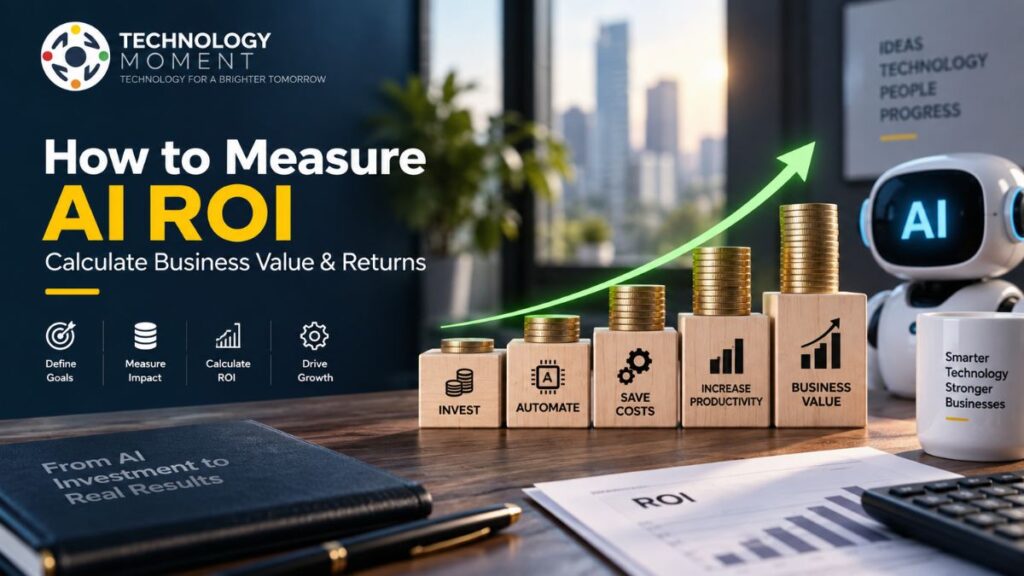
There are also costs and limitations to consider. AI software may require monthly subscriptions, employee training, integration work, and ongoing monitoring. Some systems can produce inaccurate information, while poorly configured automation may create new errors instead of eliminating existing ones. The best way to determine whether AI is worth the investment is to measure its business impact. Compare the cost of a solution with practical outcomes such as hours saved, additional leads processed, faster customer responses, reduced administrative work, or improved output.
For example, if an affordable AI productivity tool saves several hours every week for a small team, its value may be straightforward to demonstrate. Ultimately, AI is most valuable when it becomes part of a useful business workflow, rather than another technology expense. Start with a measurable problem, test the solution, and expand only when the results justify further investment.
Common AI Mistakes Small Businesses Should Avoid
The rapid growth of artificial intelligence can make it tempting for small businesses to adopt multiple tools immediately. However, using more AI does not necessarily produce better results. A thoughtful implementation is usually more valuable than a large collection of disconnected applications.
One common mistake is trying to automate everything at once. Businesses should begin with a limited number of practical AI use cases and expand gradually. Another mistake is choosing tools based solely on popularity or features without considering whether they solve an actual business problem.
Data privacy is another important consideration. Businesses should understand how AI providers handle sensitive customer, employee, financial, and proprietary information before connecting their systems.
Small businesses should also avoid publishing or sending AI-generated content without human review. Generative AI can produce useful drafts, but factual accuracy, tone, originality, and context still require human oversight. Ignoring employees is another potential problem. Successful AI implementation often requires people to understand how new workflows operate and when they should review or override AI-generated results.
Finally, businesses should avoid measuring success by the number of AI tools they have adopted. Instead, focus on outcomes such as productivity, cost savings, quality, customer satisfaction, and workflow efficiency. AI should support people—not remove judgment from important decisions. By avoiding unnecessary automation, weak security practices, uncontrolled tool adoption, and inadequate human oversight, small businesses can build a more reliable and sustainable AI strategy.
AI Adoption Strategy for Small Businesses
A successful AI adoption strategy does not begin with buying as many AI tools as possible. It begins with understanding where technology can create meaningful value for the business. For small businesses, a gradual approach is often easier to manage, measure, and improve.
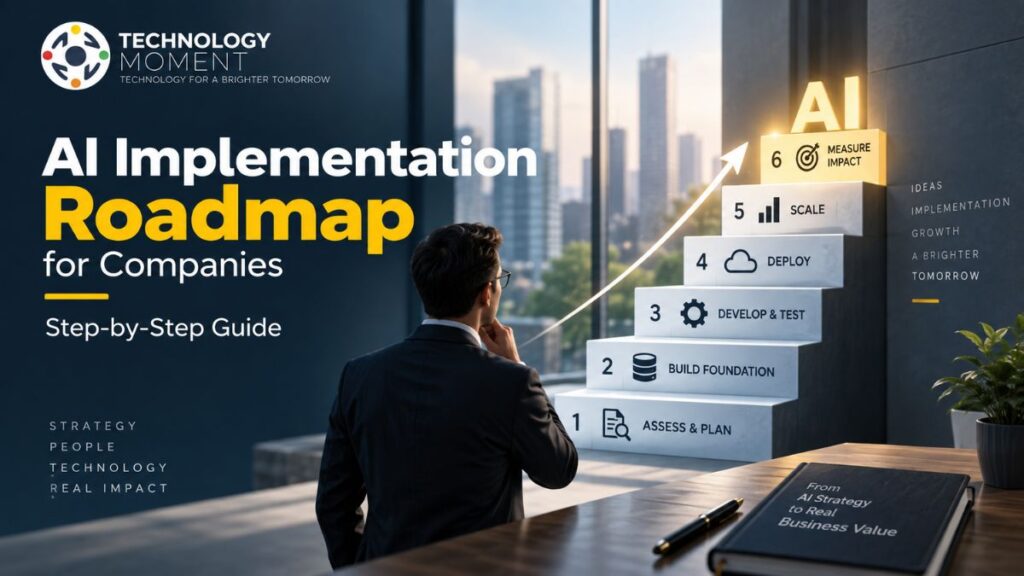
Phase 1: Identify — Review everyday operations and find repetitive tasks that consume employee time. Look for opportunities in customer service, marketing, sales, finance, data analysis, content creation, and administration.
Phase 2: Prioritize — Compare potential AI use cases based on business impact, frequency, implementation effort, and risk. Start with a workflow where the expected benefit is clear and measurable.
Phase 3: Test — Introduce one AI solution on a limited scale. Give employees clear instructions and establish appropriate human review before allowing automation to handle important processes.
Phase 4: Measure — Track practical outcomes such as hours saved, response times, operating costs, productivity, accuracy, or customer satisfaction.
Phase 5: Improve — Use the results to refine prompts, processes, integrations, and employee workflows.
Phase 6: Scale — Once an AI workflow consistently delivers value, consider expanding it to other teams or processes.
This approach turns AI implementation into an ongoing business strategy rather than a one-time technology project. Over time, successful workflows can become a foundation for broader business automation, workflow optimization, and AI-powered operations.
Final Thoughts: Start With One AI Workflow
Look for a task that happens frequently, takes considerable time, and follows a reasonably consistent process. Email management, meeting summaries, customer questions, document processing, content creation, lead qualification, and basic data analysis can all be potential starting points.
Once you choose a workflow, establish a baseline. How often does it happen? What does it cost? What errors or delays occur? These measurements give you something meaningful to compare after introducing an AI tool.
Remember that AI automation does not mean removing people from every process. Human judgment remains important for quality control, sensitive information, complex customer situations, and important business decisions. The strongest results often come from combining AI’s speed with human experience and oversight.
As your team becomes more comfortable, successful workflows can gradually expand into broader AI solutions for small business operations. You may eventually connect multiple tools, introduce AI assistants or agents, and automate more complex processes. The best AI strategy is therefore simple: start small, measure the outcome, improve the workflow, and scale what works. That approach allows your business to benefit from AI without becoming overwhelmed by the technology itself.
Frequently Asked Questions About AI for Small Businesses
Can a small business use AI without having a technical team?
Yes. Many modern AI tools for small businesses are designed for non-technical users and can be introduced without building an AI system from scratch. Business owners can begin with ready-to-use AI software and gradually explore integrations or automation as their requirements become more advanced.
Which business processes are most suitable for AI automation?
Processes with repetitive steps, predictable inputs, and clearly defined outcomes are generally good candidates. Examples include invoice processing, appointment-related communication, document classification, lead organization, routine reporting, and frequently asked customer questions. High-risk decisions should normally retain meaningful human oversight.
Can AI replace employees in a small business?
AI is generally more useful as a productivity and decision-support tool than as a complete replacement for employees. It can handle repetitive activities and assist workers with research, communication, analysis, and administration. Human expertise remains important for judgment, relationships, creativity, accountability, and complex situations.
What should a small business do when an AI-generated answer is incorrect?
AI-generated information should be reviewed before it is used for important business activities. If an output is incorrect, identify why the workflow produced the error, improve the instructions or data being provided, and add an appropriate review step. For sensitive decisions, human verification should remain part of the process.
What is a good first AI experiment for a small business?
A good first experiment should be low-risk, easy to measure, and frequently repeated. For example, a company might test AI for meeting summaries, routine email drafts, content ideation, internal research, or document summarization. A successful small experiment can provide evidence for deciding which AI applications should be explored next.