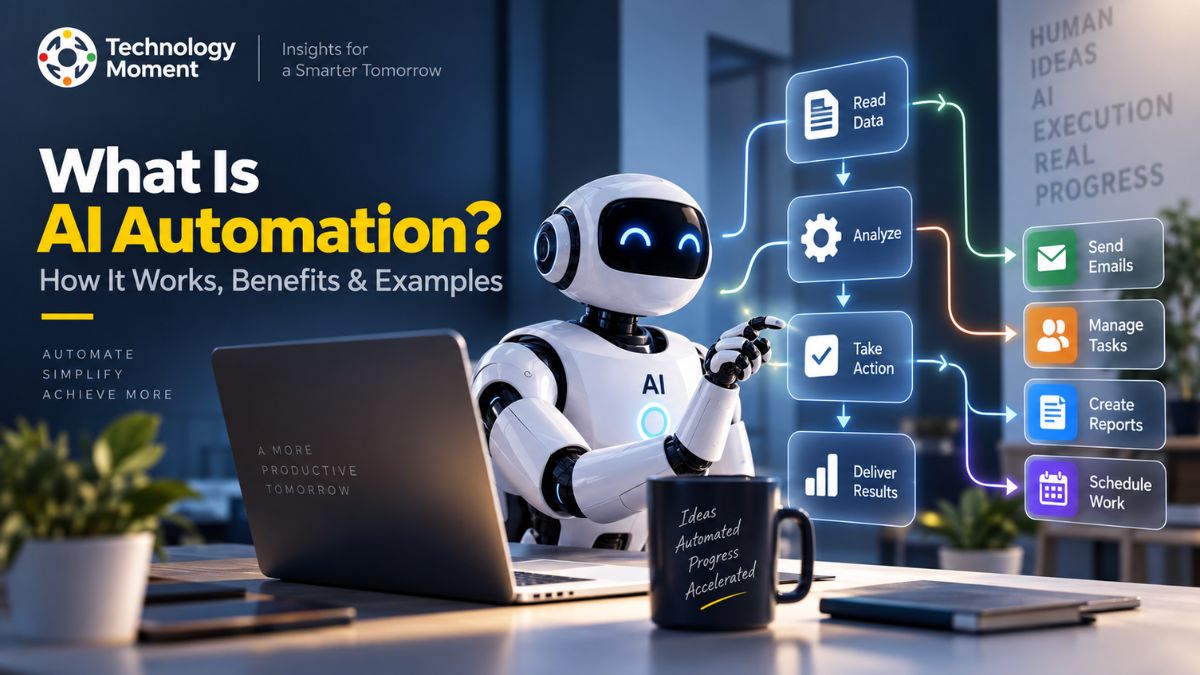
Artificial intelligence is changing how people and businesses work, but AI becomes even more powerful when it can take action instead of simply providing information. This is where AI automation comes in. From handling repetitive tasks and analyzing data to managing workflows and assisting customers, AI-powered systems can help automate processes that once required significant manual effort.
But what is AI automation, exactly, and how does it differ from traditional automation? Understanding the technology is important because not every task should be automated, and choosing the right approach requires more than simply adding an AI tool to a workflow.
In this guide, Technology Moment explains AI automation in simple, practical terms. You’ll learn how AI automation works, how it compares with traditional automation and RPA, where businesses are using it, what tasks AI can automate, and which tools and approaches are available. We’ll also look at its benefits, limitations, risks, and future possibilities so you can make more informed technology decisions.
What Is AI Automation?
AI automation is the use of artificial intelligence to perform, manage, or improve tasks and workflows with limited human intervention. Unlike simple automation, which generally follows predefined rules, AI-powered automation can analyze information, recognize patterns, understand language, make predictions, and adapt its actions based on changing inputs.
In simple terms, what is AI automation? It is a combination of artificial intelligence and automation that enables software to handle tasks that traditionally require human judgment or repetitive manual work. Machine learning, natural language processing (NLP), generative AI, AI agents, and large language models (LLMs) can all contribute to intelligent automation.
For example, traditional automation may send a predefined email whenever someone submits a form. AI automation can go further by understanding the person’s message, identifying their intent, generating an appropriate response, and routing the request to the right workflow. AI automation can support business automation, workflow automation, process automation, and AI productivity. Organizations can use it for customer service, marketing, sales, document processing, data analysis, and IT operations.
However, AI automation is not simply about replacing people with software. Its greater value comes from reducing repetitive work and helping people make faster, better-informed decisions. When implemented responsibly, it can create more efficient and scalable workflows while allowing employees to focus on higher-value activities.
How Does AI Automation Work?
Understanding how AI automation works requires looking at the relationship between AI models, data, workflows, and automated actions. An AI automation system typically begins with an input, such as an email, document, customer request, database record, or application event.
First, the system collects and processes the relevant information. AI technologies such as machine learning models, NLP, computer vision, or LLMs can then interpret that information. Depending on the workflow, the AI may classify data, extract information, generate content, predict an outcome, or provide decision support.
The next stage connects the AI capability to an automated workflow. For example, an AI system could analyze an incoming customer message, determine that it is a billing issue, and automatically send the request to the appropriate support workflow. The workflow can then trigger another action, such as creating a ticket or updating a customer record.
This combination creates intelligent workflows rather than simple rule-based sequences. AI agents can also perform multiple steps across connected applications, depending on how the system is designed. AI automation can use API integration, automation platforms, AI assistants, and workflow automation software to connect different tools. Human review can remain part of the process when decisions are sensitive, or the AI’s confidence is low.
The result is an automated workflow that can respond to information dynamically instead of simply following one fixed instruction.
AI Automation vs Traditional Automation
The key difference between AI automation and traditional automation is how each system handles information and decisions. Traditional automation generally relies on predefined rules. If a specific condition occurs, the system performs a predetermined action. For example, a workflow might automatically send an email after a user completes a registration form. The process is predictable because the system does not need to interpret the user’s intent.
AI automation introduces intelligence into that process. Instead of relying entirely on fixed instructions, AI can analyze unstructured information, identify patterns, generate responses, and support decisions. This makes it useful when inputs can vary significantly. Traditional automation is often highly effective for repetitive, predictable tasks. AI automation becomes more valuable when the workflow involves language, documents, complex data, classification, prediction, or changing conditions.
Another important difference between AI and automation is that AI itself does not necessarily perform an automated action. An AI model can generate an answer or prediction, while automation determines what happens next. Combining the two creates AI-powered automation. For instance, an AI model could analyze a sales lead and estimate its relevance. An automation workflow could then add qualified leads to a CRM, notify a salesperson, or trigger a follow-up sequence.
Therefore, AI automation does not necessarily replace traditional automation. In many organizations, both technologies work together to create more capable and efficient workflows.
What Is the Difference Between AI Automation and RPA?
Robotic process automation (RPA) and AI automation both help reduce manual work, but they approach automation differently. RPA traditionally uses software bots to interact with applications and perform structured, repetitive tasks according to predefined rules. For example, an RPA bot might copy information from one system into another, move files between folders, or extract specific values from structured documents. These workflows can be extremely effective when processes are predictable, and the required information follows a consistent format.
AI automation is generally broader. It can use machine learning, natural language processing, generative AI, AI agents, and LLMs to interpret information and support workflows that involve more variation. Consider customer emails as an example. An RPA workflow may struggle when every message has a different structure. An AI-powered system can analyze the language, understand the customer’s intent, classify the request, and determine which workflow should handle it.
The difference between AI automation and RPA does not mean one technology must replace the other. They can complement each other. AI can interpret complex or unstructured information, while RPA can execute repetitive actions across legacy applications. Businesses should therefore choose based on the process. RPA can be appropriate for highly structured, rule-based tasks, while intelligent automation can be more suitable when interpretation, prediction, or adaptive decision-making is required.
AI Automation Examples
There are many practical AI automation examples across modern businesses, from simple task automation to sophisticated enterprise workflows. One common application is email automation, where AI can classify incoming messages, identify intent, summarize content, and route requests to the appropriate team. In customer service, AI automation can analyze questions, provide initial responses, summarize conversations, and transfer complex issues to human agents. This can improve response times while keeping human support available for situations that require judgment.
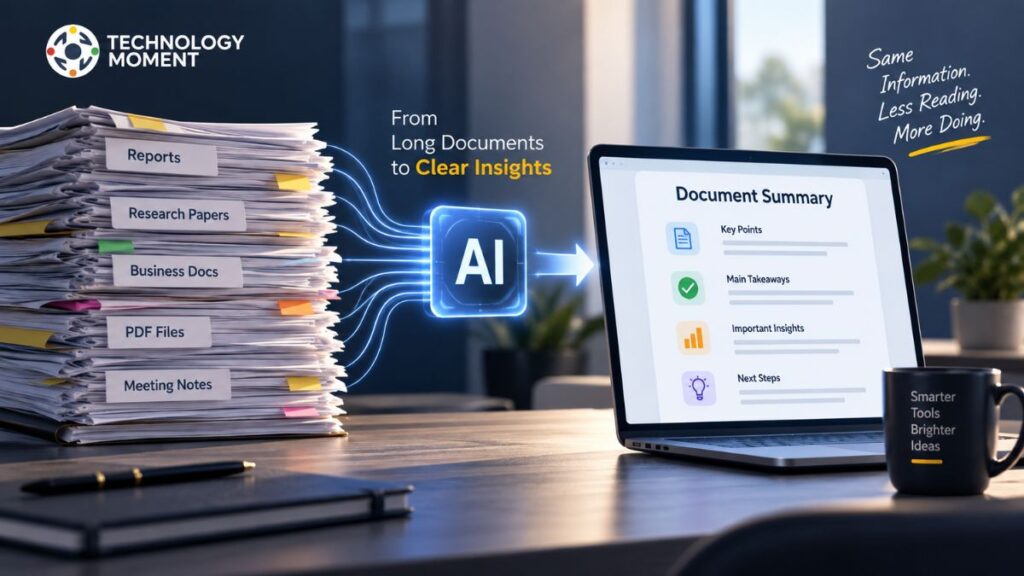
Marketing teams can use marketing automation combined with AI to personalize content, analyze customer behavior, segment audiences, and support campaign workflows. Sales teams can automate lead qualification, summarize customer interactions, and prioritize prospects. Another important use case is document automation. AI can extract information from invoices, contracts, forms, and other documents before sending the extracted data into business systems. Similarly, data automation can help process, organize, classify, and summarize large volumes of information.
Developers and IT teams can use AI automation for code assistance, issue classification, monitoring workflows, documentation, and repetitive operational tasks. Small businesses can also benefit by automating administrative processes without building large internal systems. These examples demonstrate that AI automation is not limited to one industry. Its usefulness depends on the workflow, available data, connected systems, and level of human oversight.
Benefits of AI Automation
One of the biggest advantages of AI automation is its ability to reduce repetitive work while helping people and businesses handle processes more efficiently. Traditional workflows often require employees to perform the same actions repeatedly, which can consume time and increase the possibility of human error. AI-powered automation can take over suitable parts of these workflows and allow people to concentrate on more valuable responsibilities.
Improved AI productivity is another important benefit. AI systems can process information quickly, summarize large amounts of data, classify requests, and support decision-making without requiring every step to be handled manually. This can help organizations improve response times and operational efficiency.
AI automation can also support process optimization and workflow optimization. Businesses can connect different applications through automation platforms and API integration, allowing information to move between systems with less manual intervention. Over time, organizations can identify bottlenecks and improve inefficient processes.
Another benefit is scalability. Once a well-designed automated workflow has been tested, it can often handle a larger volume of work without requiring a proportional increase in manual effort. This is particularly valuable for growing organizations. However, automation should be implemented carefully. Poorly designed workflows can introduce security, privacy, or accuracy problems. The strongest approach combines intelligent automation with appropriate human oversight, testing, monitoring, and clear accountability.
What Tasks Can AI Automate?
AI can automate many tasks that involve repetitive work, information processing, classification, or predictable decisions. The most suitable tasks are generally those that consume significant time but do not require constant human judgment. For example, AI automation for repetitive tasks can help classify emails, extract information from documents, summarize reports, organize data, and route requests. AI assistants can also support scheduling, research, writing, customer communication, and other everyday activities.
Businesses can use AI to process invoices, identify important information in documents, categorize support tickets, qualify leads, and generate routine reports. In some workflows, AI can analyze incoming information and automatically determine which action should happen next. Data processing is another important area. AI-powered tools can organize large datasets, identify patterns, detect anomalies, and generate summaries. Predictive analytics can also help organizations estimate possible outcomes based on available information.
AI can additionally automate parts of content workflows, including drafting, summarization, classification, and content organization. However, human review remains valuable when accuracy, brand reputation, legal requirements, or sensitive information is involved.
The goal should not be to automate every task. Instead, organizations should identify manual processes where automation can provide measurable value. A well-designed workflow might combine AI interpretation with traditional automation, allowing software to handle routine actions while people remain responsible for complex decisions.
AI Automation Use Cases for Business
AI automation for business can be applied across almost every major department. The most useful applications typically connect AI capabilities with existing business workflows rather than operating as isolated tools. In marketing automation, AI can help analyze audiences, classify customer behavior, personalize content, summarize campaign data, and support repetitive campaign tasks. Sales teams can use AI automation to qualify leads, summarize conversations, update customer records, and prioritize potential opportunities.
Customer experience automation is another major use case. AI systems can classify customer requests, answer routine questions, summarize conversations, and route complicated cases to human representatives. This can help businesses provide faster support without removing human involvement entirely. In IT departments, IT automation can support issue classification, documentation, monitoring, reporting, and repetitive operational workflows. Developers can use AI-powered tools to assist with coding, testing, documentation, and workflow management.
Small businesses can also benefit from automation. AI automation for small businesses can reduce administrative workloads such as email processing, appointment management, document handling, customer communication, and data organization. At the enterprise level, intelligent automation can connect multiple systems through APIs and automation platforms. This creates workflows that move information between applications and trigger actions based on AI-generated insights.
The strongest business use cases begin with a clearly defined problem. Organizations should evaluate the expected productivity gain, implementation cost, data requirements, security implications, and need for human oversight before deploying an automated process.
AI Automation Tools and Software
The growing number of AI automation tools gives individuals and organizations multiple ways to build intelligent workflows. However, choosing a tool should start with the workflow requirement rather than popularity alone. AI automation software can generally be divided into several categories. Workflow automation platforms connect different applications and trigger actions based on events. AI-powered tools add capabilities such as language understanding, content generation, classification, summarization, and decision support.
Businesses may also use AI process automation software for document processing, customer service, data workflows, marketing operations, or internal processes. More advanced platforms can combine AI agents with automation to perform multiple steps across connected applications.
Integration is another important consideration. AI integration tools and APIs can connect AI capabilities with CRM systems, databases, communication platforms, productivity applications, and internal software. This makes it possible to create customized workflows instead of relying only on standalone applications.
When evaluating the best AI automation software, consider ease of use, integrations, reliability, security, data handling, scalability, pricing, monitoring capabilities, and human approval controls. Different users will also have different requirements. A small business may prefer a simple no-code platform, while an enterprise may need APIs, governance, access controls, audit logs, and advanced integration capabilities.
Rather than choosing a tool because it has the largest feature list, organizations should select technology that solves a specific problem reliably and can scale as the workflow becomes more important.
No-Code and Low-Code AI Automation
No-code AI automation tools allow users to create workflows without writing traditional software code. These platforms typically provide visual interfaces where users can connect applications, define triggers, configure actions, and add AI capabilities. This makes automation more accessible to marketers, operations teams, entrepreneurs, and other non-technical users.
Low-code AI automation tools provide a similar approach but allow developers or technically experienced users to add custom logic, APIs, scripts, or integrations when visual features are not enough. This creates a balance between development flexibility and faster workflow creation.
No-code automation can be useful for straightforward processes such as moving information between applications, categorizing requests, generating summaries, or triggering notifications. Low-code approaches become more valuable when workflows require custom business rules, advanced integrations, or specialized data processing.
Both approaches can reduce the time required to experiment with AI workflow automation. However, easier development does not automatically mean better automation. Teams still need to consider data privacy, security, error handling, monitoring, permissions, and human review. For organizations starting with AI, a practical strategy is to begin with a small, measurable workflow. Test its reliability, monitor the results, and expand gradually. This approach reduces implementation risk while helping teams understand where intelligent automation genuinely creates value.
Ultimately, no-code and low-code platforms are tools for making automation more accessible—not replacements for thoughtful workflow design and responsible technology management.
How to Start With AI Automation
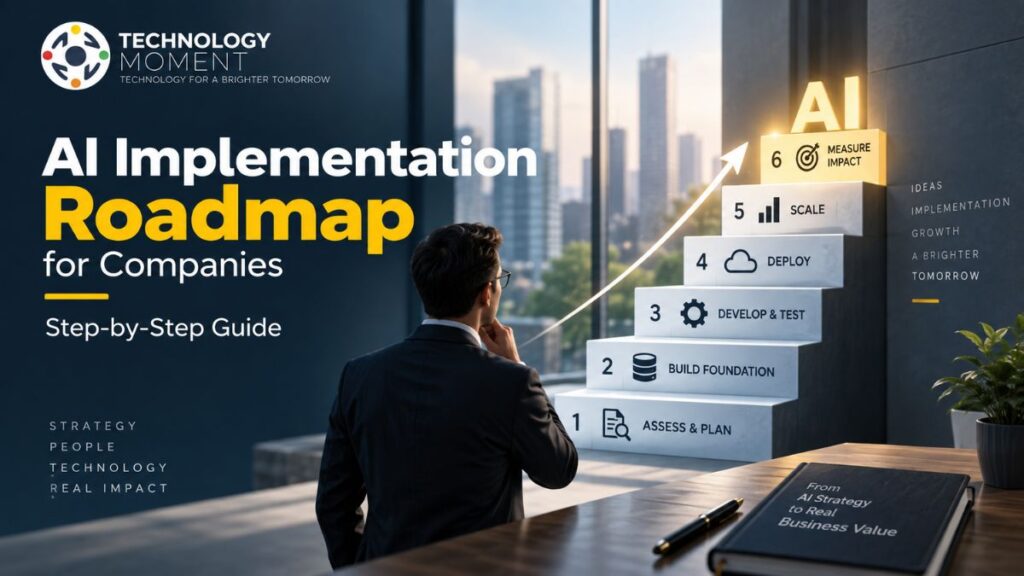
Learning how to start with AI automation does not require automating an entire business at once. A better approach is to begin with one repetitive process where AI can provide a clear and measurable improvement. Start by identifying manual processes that consume time, such as sorting emails, processing documents, updating records, preparing reports, or answering routine customer questions. Next, define the desired outcome and determine which parts of the workflow require AI and which can be handled through traditional automation.
The next step is choosing suitable AI automation tools or an automation platform. Depending on your technical experience, you might consider no-code or low-code solutions. For more customized workflows, AI integration through APIs can connect AI systems with existing business applications. Before launching a workflow, test it using realistic data. Check whether the AI produces reliable results, handles unexpected inputs, and triggers the correct actions. Sensitive workflows should include human approval rather than allowing automated decisions to happen without oversight.
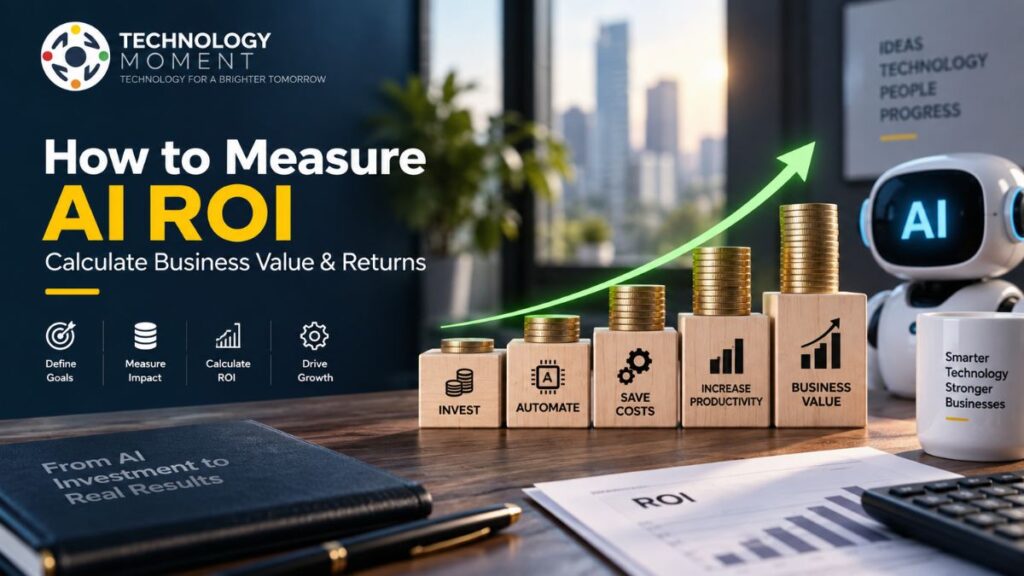
It is also important to measure results. Track metrics such as time saved, processing accuracy, response speed, operational efficiency, and overall cost. Once the workflow performs reliably, it can be expanded to other processes. This gradual approach helps organizations adopt AI automation responsibly while creating practical experience with intelligent workflows, automation software, and AI-powered tools.
Challenges and Risks of AI Automation
Although AI automation can improve productivity and efficiency, implementing it without proper planning can introduce new risks. One major challenge is accuracy. AI systems can misunderstand information, produce incorrect outputs, or make inappropriate recommendations, particularly when the available data is incomplete or ambiguous.
Data privacy and security are also important considerations. Organizations may process customer information, financial records, internal documents, or other sensitive data through AI systems. Businesses should understand how their chosen automation software handles data and establish appropriate access controls and security measures.
Integration can create another challenge. Connecting AI systems with existing applications may require APIs, technical expertise, data mapping, and ongoing maintenance. Poorly designed integrations can create workflow failures or inconsistent information across systems. There is also a risk of over-automation. Not every process should operate without human involvement. Decisions involving customers, finances, security, compliance, or other sensitive areas may require human judgment.
Cost is another factor. AI models, automation platforms, integrations, monitoring, and maintenance can create ongoing expenses. Businesses should compare these costs with the measurable value generated by the workflow. Finally, employees need appropriate training and clear responsibilities. Successful intelligent automation is not simply a technology deployment. It requires governance, monitoring, testing, human oversight, and continuous improvement to ensure that AI solutions remain reliable and useful.
What Is the Future of AI Automation?
The future of AI automation is moving toward workflows that can understand context, coordinate multiple actions, and operate across connected applications. Instead of simply executing a predefined sequence, future systems are likely to combine AI reasoning, automation, data processing, and real-time information to handle increasingly complex workflows.
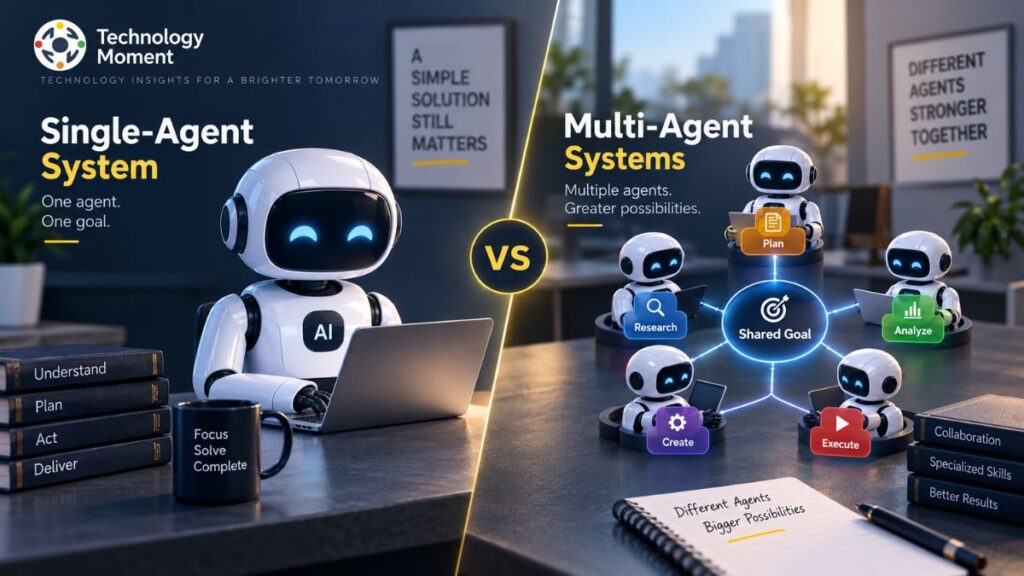
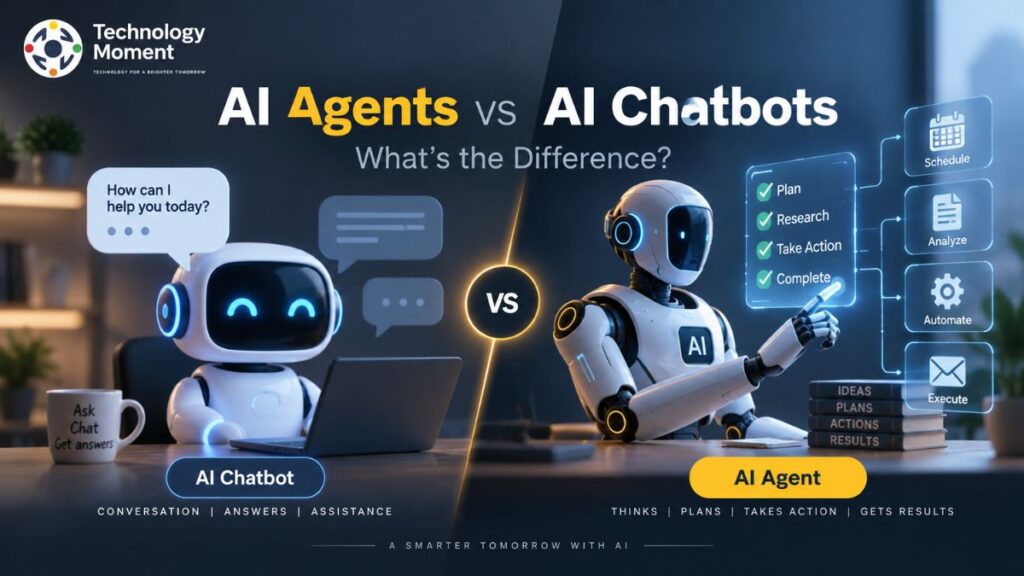
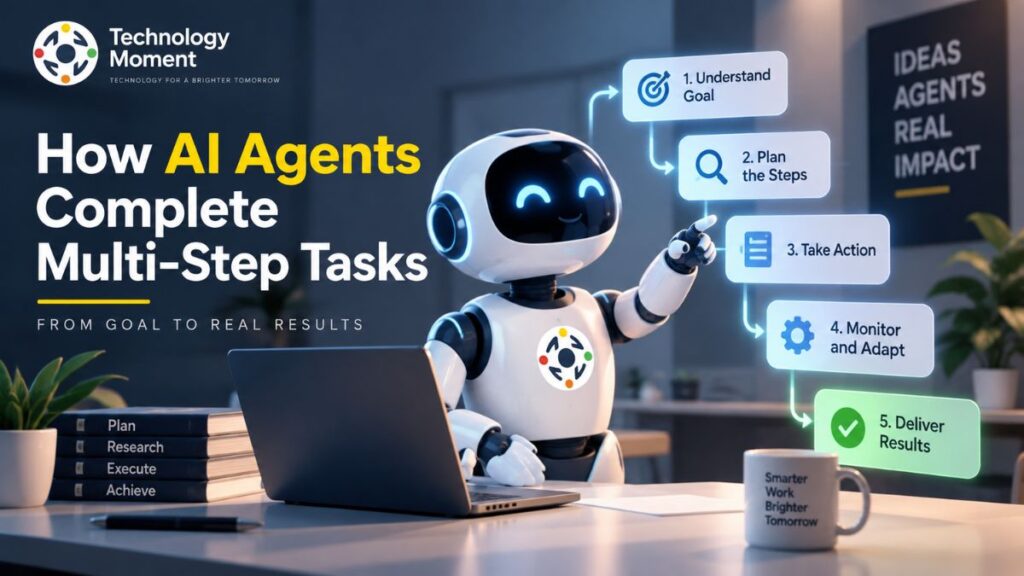
AI agents are an important part of this development. Unlike basic AI assistants that primarily respond to individual requests, autonomous AI agents can potentially perform multiple steps toward a defined objective. For example, an agent-based workflow could gather information, analyze it, create an output, and initiate another business process.
Businesses are also exploring more intelligent workflow automation, where AI systems can determine which action should happen next based on available information. This could make automation more flexible than traditional rule-based systems. Enterprise automation is likely to become increasingly connected with CRM platforms, databases, communication tools, development environments, and internal business systems. API integration will play an important role in creating these connected environments.
At the same time, human oversight will remain important. More autonomous systems create greater opportunities but also increase the importance of security, accountability, privacy, and governance. The long-term direction is therefore not simply “more automation.” It is smarter automation that combines AI capabilities with reliable workflows, human expertise, and appropriate controls. Organizations that focus on useful applications rather than automation for its own sake will be better positioned to benefit from this evolution.
Conclusion
AI automation brings together artificial intelligence and automated workflows to help people and organizations handle tasks more efficiently. Unlike traditional automation, which generally follows fixed rules, AI-powered automation can interpret information, identify patterns, generate content, and support decisions.
From customer service and marketing to document processing, data workflows, sales, and IT operations, there are many practical AI automation examples available today. No-code and low-code platforms are also making intelligent automation more accessible, while APIs allow developers to create more customized solutions.
However, successful implementation requires more than selecting an AI automation tool. Organizations need to consider accuracy, privacy, security, integration, cost, human oversight, and long-term maintenance. As AI agents and intelligent workflows continue to develop, automation is likely to become more capable and context-aware. The most valuable approach will be to use AI where it genuinely solves a problem and complements human expertise.
At Technology Moment, the goal is to make emerging technology easier to understand so readers can evaluate new tools and trends with greater clarity. AI automation is not about automating everything—it is about using technology thoughtfully to create better, smarter, and more useful workflows.
Frequently Asked Questions About AI Automation
Why is AI automation important?
AI automation is important because it can help people and businesses reduce repetitive work while improving productivity and operational efficiency. It can process large amounts of information quickly and support workflows that involve classification, summarization, prediction, or language understanding. When implemented correctly, it allows employees to spend more time on creative, strategic, and customer-focused activities.
What can AI automation do?
AI automation can handle a wide range of tasks involving information processing and workflow management. Examples include classifying emails, extracting information from documents, summarizing reports, responding to routine customer questions, qualifying sales leads, organizing data, generating content, and triggering actions across connected applications. The exact capabilities depend on the AI model, automation platform, available data, and workflow design.
What are the benefits of AI automation?
The benefits of AI automation include reducing repetitive manual work, improving productivity, accelerating information processing, and supporting more efficient workflows. Businesses can also use it to improve customer response times, reduce certain operational costs, process larger volumes of work, and scale processes more effectively. However, the actual benefits depend on selecting appropriate use cases and implementing suitable monitoring and human oversight.
Is AI automation the same as automation?
No. Traditional automation generally follows predefined rules, meaning the same input usually produces the same programmed action. AI automation adds artificial intelligence to the workflow, allowing systems to interpret information, recognize patterns, generate responses, or make predictions. In practice, both approaches can work together, with traditional automation handling predictable actions and AI handling tasks that require greater flexibility.
How do I start with AI automation?
Start by identifying a repetitive process that takes significant time and has a clearly measurable outcome. Then determine whether AI is actually needed and choose an appropriate automation platform. Build a small workflow, test it with realistic inputs, monitor its accuracy, and measure the time or cost saved. Once the workflow is reliable, gradually expand AI automation to other suitable processes.
Is AI automation difficult to implement?
The difficulty depends on the complexity of the workflow. Simple processes can often be created using no-code or low-code AI automation tools, while advanced workflows may require APIs, custom integrations, data engineering, security controls, and developer support. Even simple automation should be tested carefully because AI systems can produce incorrect results. Good workflow design, monitoring, and human oversight can reduce implementation risks.