Technology has made it easier to manage our daily responsibilities, but constant notifications, overflowing inboxes, endless browser tabs, and frequent app switching can also make it harder to stay focused. Whether you work remotely, study online, run a business, or manage personal tasks, improving productivity does not always require expensive software or a complicated routine. Sometimes, a few small digital habits can make a meaningful difference in how you organize your time and complete your work.
Building better digital productivity habits starts with using the technology you already have more intentionally. Setting priorities in a digital calendar, turning off unnecessary notifications, organizing important files, and checking emails at specific times can help reduce distractions and make everyday tasks easier to manage. These simple changes can also help you spend less time searching for information and more time working on what matters.
The challenge is finding practical solutions that fit your routine without adding more complexity to your digital life. At Technology Moment, our goal is to make technology easier to understand and more useful in everyday life through practical guides, tutorials, software insights, and helpful technology tips. We focus on explaining digital tools and concepts in a clear, accessible way so readers can make more informed decisions and use technology with greater confidence.
In this guide, you will discover small digital habits that can improve your daily productivity, support better time management, and help you create a more organized digital workspace. Start with a few manageable improvements, build consistency, and discover how smarter technology habits can make your day more focused and productive.
Start Your Day With a Simple Digital Productivity Routine
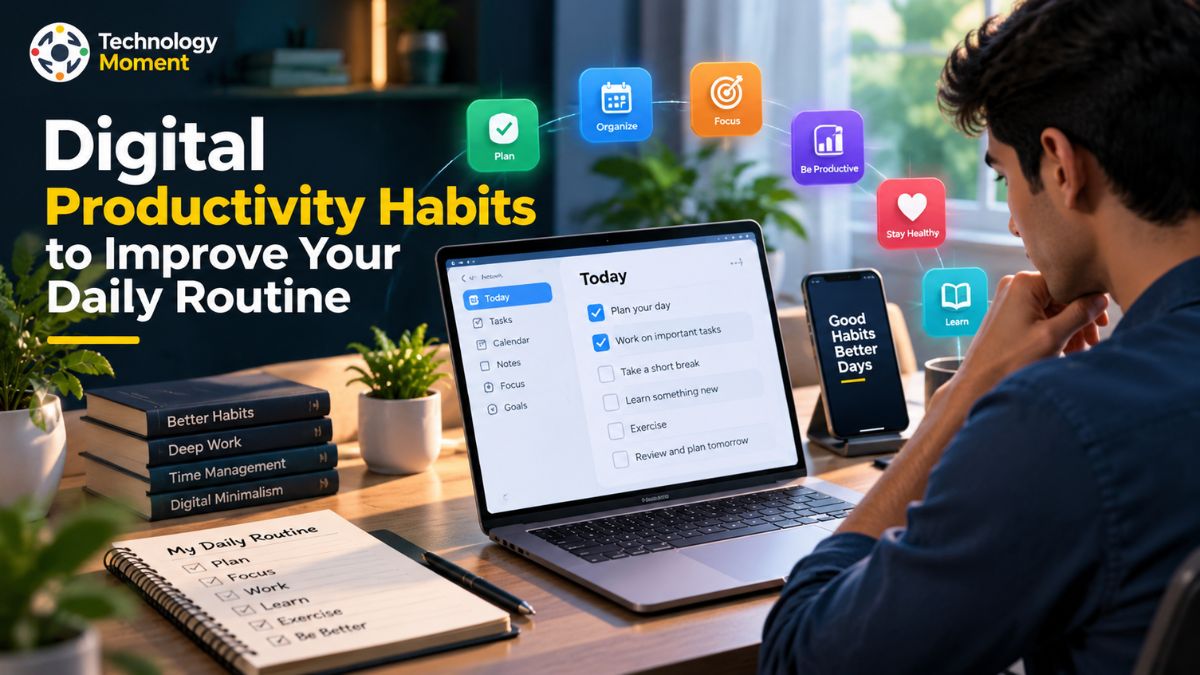
A productive day often begins with a clear plan rather than a long list of tasks. One of the simplest digital productivity habits is to spend five to ten minutes organizing your priorities before starting work. Open your preferred notes app, digital calendar, or task manager and write down the three most important things you want to accomplish. This small step can help you focus on meaningful work instead of spending your morning deciding what to do next. It also makes daily productivity habits easier to maintain, whether you are working in an office, studying at home, or managing a remote team.
A digital calendar can help you schedule meetings, deadlines, study sessions, and personal commitments in one place. Meanwhile, a task management app can keep smaller responsibilities organized so they do not get forgotten. Instead of adding every task to your calendar, use it for activities that need a specific time and keep flexible tasks in a separate list. This simple system supports better time management and makes your daily planning routine more practical.
It is also helpful to prepare your digital workspace before beginning an important task. Open only the applications and documents you need, close unnecessary browser tabs, and keep your priority list visible. If you frequently forget small responsibilities, use reminders for recurring activities rather than relying on memory alone.
You do not need several productivity tools to create an effective routine. Start with the calendar, notes app, and task manager you already use. By building a consistent planning habit and reviewing your priorities each morning, you can improve daily productivity, reduce unnecessary decisions, and make better use of your working hours.
Turn Off Unnecessary Notifications to Improve Focus
Frequent notifications can interrupt concentration even when checking a message takes only a few seconds. An email alert, social media update, shopping notification, or news headline can pull your attention away from an important task. Repeated interruptions may also encourage you to switch between applications instead of completing one activity at a time. One practical way to improve productivity is to review your notification settings and decide which alerts genuinely deserve your immediate attention.
Start by opening the notification settings on your smartphone, computer, and frequently used applications. Turn off nonessential alerts from promotional emails, shopping apps, social networks, and services that do not require an immediate response. Keep important notifications, such as security warnings, urgent work messages, and essential calendar reminders, enabled where necessary. The goal is not to disconnect completely but to create a digital environment that supports focus and concentration.
Many devices also include Focus Mode, Do Not Disturb, or similar features that temporarily silence selected notifications. Use these settings during important meetings, study sessions, writing tasks, or other activities that require sustained attention. You can also schedule specific periods for checking messages instead of responding whenever an alert appears. For example, review routine messages between work sessions and reserve uninterrupted time for demanding tasks.
Another useful habit is to keep your phone out of immediate reach when you need to concentrate. If you use your phone for work, place only essential applications on your home screen and move distracting apps into a separate folder. These small changes can reduce digital distractions while working and help you manage your attention more deliberately.
Better notification management does not mean ignoring people or responsibilities. It means choosing when to respond rather than reacting automatically. With consistent practice, you can develop healthier digital habits, protect focused work time, and create a more distraction-free routine.
Manage Emails and Messages More Efficiently
Email and messaging applications are essential for communication, but checking them continuously can make it difficult to complete important work. When your inbox remains open throughout the day, every incoming message can become another reason to pause your current task. A better approach is to create a simple email management routine that gives communication a defined place in your schedule without allowing it to control your entire workday.
Begin by choosing specific times to check routine emails and messages. Depending on your responsibilities, you might review your inbox at the beginning of the day, after lunch, and before finishing work. For urgent communication, establish a separate channel or notification rule so genuinely important messages are not missed. This approach helps you manage emails more efficiently while protecting time for focused activities.
Next, organize your inbox using folders, labels, filters, or categories available in your email service. Separate messages that require action from those you need to keep for reference. If an email requires a specific task, add that action to your task manager instead of leaving it buried in your inbox. You can also save time by creating reusable email templates for common questions, routine updates, and frequently repeated replies. Before sending a message, keep the main point clear, use a descriptive subject line, and include only the information the recipient needs. This makes communication easier to understand and reduces unnecessary follow-up messages.
Finally, unsubscribe from newsletters you no longer read and archive messages that do not need to remain in your active inbox. Avoid spending too much time trying to achieve a perfectly empty inbox; prioritize important actions instead. These practical productivity habits can reduce digital clutter, improve work efficiency, and help you spend more time on meaningful responsibilities.
Organize Your Digital Workspace and Files
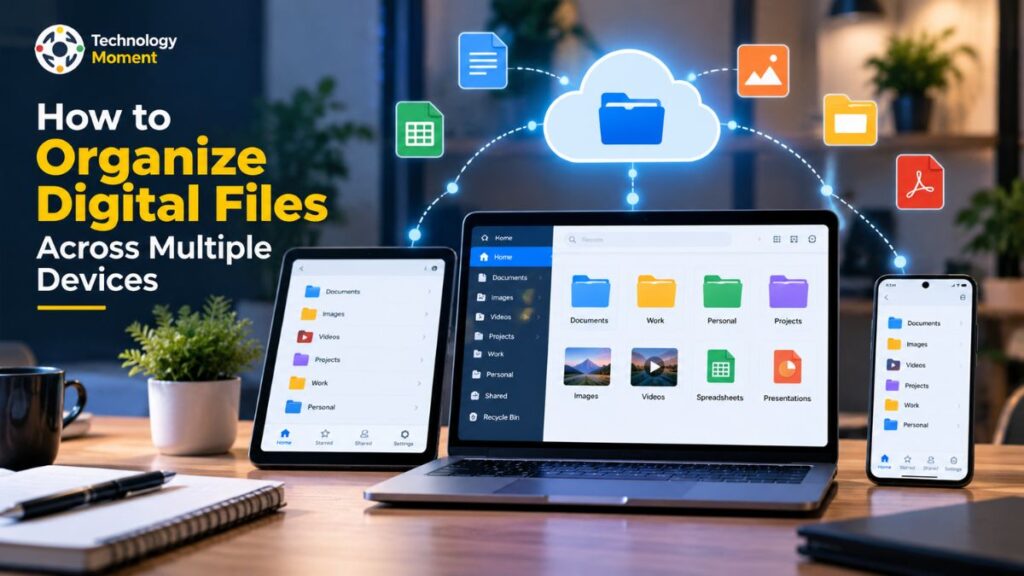
A cluttered digital workspace can waste time in small but frustrating ways. Digital organization is therefore an important part of daily productivity. A few simple habits can make your files easier to find, reduce unnecessary distractions, and help you work more efficiently without installing additional software. Start by creating a straightforward folder structure for your main activities.
For example, you might use folders named Work, Personal, Projects, and Reference. Within each folder, create additional categories only when they are genuinely useful. Give files clear, descriptive names that explain their contents, and use dates when they help distinguish different versions. A consistent naming system makes searching for documents easier, especially when you manage several projects at the same time. Your browser also deserves regular attention. Close tabs that you no longer need and bookmark useful websites that you expect to revisit.
You can organize bookmarks into a few categories, such as Research, Work, Learning, and Tools. This reduces browser tab clutter and prevents important resources from getting lost among dozens of open pages. Before closing a tab containing useful information, save the page or record its details in your notes app. Cloud storage or a reliable local backup can help you keep important documents accessible and recoverable. Choose a storage method that suits your needs, check its privacy and sharing settings, and avoid keeping multiple confusing copies of the same file.
Make digital decluttering a small recurring habit rather than a large occasional project. Spend a few minutes each week organizing new files, clearing unnecessary downloads, reviewing bookmarks, and removing outdated material. A well-organized digital workspace supports better time management, reduces avoidable interruptions, and helps you focus on the work that matters most.
Use Time Blocking and Single-Tasking to Get More Done
Managing a busy schedule becomes easier when you decide in advance how to spend your time. Time blocking is a simple time management technique that involves assigning specific periods to particular tasks instead of working through an unstructured to-do list. For example, you might reserve the first hour of your morning for an important project, 30 minutes for emails, and another hour for research or planning.
Add them to your digital calendar and estimate how long each one will take. Keep your schedule realistic by leaving some extra time between activities for unexpected requests, short breaks, and unfinished work. If your day changes frequently, treat your time blocks as a flexible guide rather than a strict timetable. The purpose is to organize your attention, not to fill every minute with work.
Another useful habit is single-tasking, which means concentrating on one activity at a time. Switching repeatedly between emails, browser tabs, messaging apps, and work documents can interrupt your workflow. Instead of trying to complete several activities simultaneously, close unnecessary applications and focus on finishing one meaningful task before moving to the next. For example, you could work for 25 minutes, take a five-minute break, and repeat the cycle according to your workload.
Digital calendars, timers, and task management tools can support these productivity habits without requiring a complicated setup. You can also group similar activities, such as answering messages or completing administrative tasks, into a single scheduled session. This reduces unnecessary context switching and makes your workday easier to manage.
Remember that work efficiency is not measured only by how many hours you spend working. It also depends on the quality of your attention and the progress you make toward important goals. By combining time blocking, single-tasking, and realistic planning, you can improve focus, manage daily responsibilities more effectively, and build a sustainable approach to productivity.
Automate Repetitive Digital Tasks
Many everyday responsibilities involve repeating the same actions, such as scheduling reminders, organizing information, sending routine emails, or updating task lists. Although each activity may take only a few minutes, these small tasks can consume a considerable amount of time when repeated throughout the week. Workflow automation offers a practical way to reduce this unnecessary effort. By using digital tools to handle predictable activities, you can spend more time on work that requires creativity, judgment, and problem-solving.
For example, you might regularly create calendar reminders for meetings, send similar responses to common questions, or move information between applications. Some of these activities can be simplified with built-in features such as recurring calendar events, email filters, saved templates, automatic backups, and scheduled notifications. These features are often available in tools you already use, so you may not need to purchase additional software.
For more complex workflows, automation platforms can connect compatible applications and perform actions when a specific event occurs. For instance, an automation might create a task when a form is submitted or send a notification when a shared document is updated. Before setting up an automated workflow, make sure it solves a genuine problem and saves more time than it takes to configure and maintain. Start with one straightforward process, test it carefully, and expand only when the results are useful.
You can also improve work efficiency through small digital shortcuts. Learn the keyboard shortcuts for frequently used commands, use text expansion for common phrases, and create reusable templates for reports or project updates. These simple productivity hacks can reduce repetitive typing and make routine work more consistent.
However, automation should not replace human judgment where accuracy, privacy, or sensitive decisions matter. Review automated outputs, check permissions before connecting applications, and avoid sharing confidential information with tools you do not trust. Keep a manual alternative available for important processes in case an integration stops working.
The best productivity tools are not necessarily the ones with the most features. They are the ones that solve specific problems reliably. By automating repetitive digital tasks gradually, you can simplify your daily workflow, reduce avoidable errors, and make better use of your working hours.
Build Better Smartphone and Screen-Time Habits
Smartphones help us communicate, learn, manage schedules, and access information from almost anywhere. However, frequent phone checking can also interrupt concentration and make it harder to complete everyday responsibilities. A message arrives, a social media notification appears, or you open an app for one purpose and end up spending much longer than expected. Building better smartphone productivity habits is not about avoiding technology completely. It is about using your device intentionally and making sure it supports your priorities rather than constantly competing for your attention.
Begin by reviewing the applications you use most frequently. Move essential tools, such as your calendar, notes app, maps, or task manager, to an easily accessible place on your home screen. Move entertainment and social media applications into folders if seeing them encourages automatic checking. You can also remove applications you rarely use or access their services through a browser when that makes them less distracting.
Next, review your screen time and notification settings. Many smartphones provide usage reports that show how much time you spend in different applications. Use this information to identify patterns rather than judging yourself for every minute spent online. If social media frequently interrupts your work, set a reasonable daily limit or choose specific times to check it. Focus Mode and Do Not Disturb can also help protect periods reserved for studying, writing, meetings, or other demanding activities.
Another useful strategy is to give phone use a clear purpose. Before unlocking your device, decide what you want to accomplish, such as replying to a message, checking a calendar, or looking up information. Once the task is complete, return to your original activity instead of opening unrelated applications. Keeping your phone away from your desk during focused work can make this habit easier to maintain.
Digital wellness also involves creating boundaries outside working hours. Consider reducing unnecessary screen use before bedtime, taking regular breaks from prolonged screen sessions, and making time for offline activities. These choices can help create a healthier relationship with technology without requiring you to disconnect from useful digital services. Start with one manageable change, such as disabling nonessential notifications or setting a short screen-free period during the day. Consistent changes can help reduce digital distractions, support better attention management, and make your smartphone a more useful part of your daily routine.
End Your Day With a Five-Minute Digital Reset
Finishing your workday with a few minutes of digital organization can make the following morning easier and more productive. Throughout the day, files accumulate, browser tabs remain open, unfinished tasks get forgotten, and notifications compete for attention. Instead of leaving everything for another time, create a simple five-minute digital reset before closing your laptop or putting away your smartphone. This small productivity habit helps you finish the day with greater clarity and prepare your digital workspace for tomorrow.
Start by reviewing your task manager or daily to-do list. Mark completed tasks, identify unfinished responsibilities, and decide which items need attention the next day. You do not need to finish every task before ending work. Instead, record the next action required for important unfinished activities so you can resume them without spending time remembering where you stopped. Add deadlines to your digital calendar when necessary and remove reminders that are no longer useful.
Next, spend a minute organizing your digital workspace. Save important documents in their correct folders, rename files that may be difficult to identify later, and close browser tabs that you no longer need. If a webpage contains information you want to revisit, save it as a bookmark or add it to your research notes. You can also clear unnecessary downloads and archive completed email conversations. These simple digital organization habits reduce clutter and make important resources easier to find.
The final step is to prepare your priorities for the following day. Choose the first task you want to work on, make sure the necessary documents are accessible, and add a calendar reminder if required. You can also silence nonessential work notifications after your working hours to create a clearer boundary between professional responsibilities and personal time.
Your five-minute reset should remain short and manageable. Avoid turning it into a lengthy administrative session or attempting to organize every file on your computer. The purpose is to remove small obstacles that might otherwise interrupt tomorrow’s workflow. When practiced consistently, this simple daily planning routine can improve digital organization, support better time management, and help you begin each morning with a clearer sense of direction.
How to Build Digital Productivity Habits That Last
Developing better digital productivity habits does not require changing your entire routine overnight. The most effective approach is to start with small actions that are easy to repeat and gradually make them part of your everyday life. You might begin by turning off unnecessary notifications, organizing your digital files, or planning your three main priorities each morning. Choose a habit that solves a genuine problem in your daily routine rather than adopting a productivity technique simply because it is popular.
One useful strategy is to connect a new habit to an activity you already perform regularly. For example, review your digital calendar after making your morning coffee, organize your downloads folder before finishing work, or check your task manager before opening social media. Connecting a new action to an established routine makes it easier to remember and repeat. Start with one change, practice it consistently, and introduce another habit when the first becomes manageable.
It is also important to choose productivity tools that match your needs. A simple calendar and notes app may be sufficient for personal planning, while a project management platform might be useful for coordinating a remote team. Avoid downloading multiple applications that perform similar functions. Too many tools can create additional notifications, duplicate information, and unnecessary complexity. Your goal should be to build an efficient digital workflow that saves time rather than creating more work.
Tracking your progress can help you understand which habits are genuinely useful. At the end of each week, ask yourself whether you completed important tasks more easily, experienced fewer digital distractions, or spent less time searching for information. Use these observations to adjust your routine. If a habit feels unnecessarily complicated, simplify it instead of abandoning the entire process.
Remember that productivity is not about being busy every minute. It is about directing your attention toward meaningful responsibilities while maintaining a sustainable balance between work and personal life. Some days will be more productive than others, and occasional interruptions are normal. By starting small, reviewing your progress, and making gradual improvements, you can build lasting digital habits that support better focus, time management, and everyday efficiency.
Frequently Asked Questions About Digital Productivity Habits
Which Digital Routines Can Help You Work More Efficiently?
The best digital habits include planning daily priorities, managing notifications, organizing digital files, checking emails at scheduled times, and using a task manager. These simple actions can reduce distractions and make everyday responsibilities easier to manage. Start with the habits that address your biggest productivity challenges, then build a routine you can maintain consistently.
How can I improve my daily productivity?
Build a more efficient daily routine by setting clear priorities, dedicating specific periods to important work, and limiting distractions. Give yourself time to rest between tasks, then assess what you accomplished before the day ends. Developing manageable habits gradually can lead to lasting improvements without relying on complicated planning methods.
How can technology help improve productivity?
Technology can improve productivity by organizing schedules, automating repetitive tasks, managing documents, and making communication more efficient. Digital calendars, reminders, email filters, and task management applications can simplify everyday work. Choose tools that solve specific problems, and avoid adding unnecessary applications that create more complexity or distractions.
How can you stay focused at work without digital interruptions?
Create a quieter digital workspace by disabling unnecessary alerts and muting apps that frequently interrupt your concentration. Set specific times to read and respond to emails instead of checking your inbox throughout the day. At the end of each day, identify which digital habits disrupted your workflow and make adjustments to improve your productivity.
What are some simple productivity habits for busy professionals?
Busy professionals can plan their top three priorities, schedule important tasks, organize digital files, use reusable email templates, and automate repetitive activities. A five-minute end-of-day reset can also help prepare for tomorrow. Begin with one or two changes that fit your existing schedule, then expand your routine as these habits become easier to maintain.